Clear answers for everyday document tasks
Follow straightforward tutorials for merging, organizing, converting, and working with PDF files. Each guide points you to the right tool and explains important limitations.
 PDF GUIDE
How to Merge PDF Files: A Practical Step-by-Step Guide
Combine several PDF documents into one file, check their order, and avoid common merging problems.
Read guide → PDF GUIDE
How PDF Compression Optimizes Embedded Images
Learn how the compressor re-encodes embedded images without converting whole pages to pictures. Existing selectable text and vector objects normally remain intact; review signatures and interactive features.
Read guide → PDF GUIDE
How to Convert JPG or PNG Images to PDF
Turn image files into a PDF for printing, archiving, or sharing while checking orientation and page order.
Read guide → PDF GUIDE
How to Add Page Numbers to a PDF
Add visible page numbers to reports and documents, then verify that they do not cover existing content.
Read guide → PDF GUIDE
How to Add a Visible Signature to a PDF
Place a drawn signature image on a PDF and understand the difference between a visible mark and a certificate-based digital signature.
Read guide → PDF GUIDE
How to Delete Pages from a PDF Safely
Remove unwanted pages from a copy of a PDF and verify that the remaining document is complete.
Read guide → PDF GUIDE
How to Rotate PDF Pages Without Changing the Original
Correct sideways or upside-down pages and check mixed-orientation documents before sharing.
Read guide → PDF GUIDE
How to Reorder PDF Pages
Arrange pages into a logical sequence for reports, forms, and scanned documents.
Read guide → PDF GUIDE
How to Split a PDF and Extract Specific Pages
Create a smaller PDF from selected pages while keeping the source document intact.
Read guide → PDF GUIDE
How to Extract Text from Images with OCR
Use optical character recognition to turn text in a photo or scan into editable text, then proofread the result.
Read guide →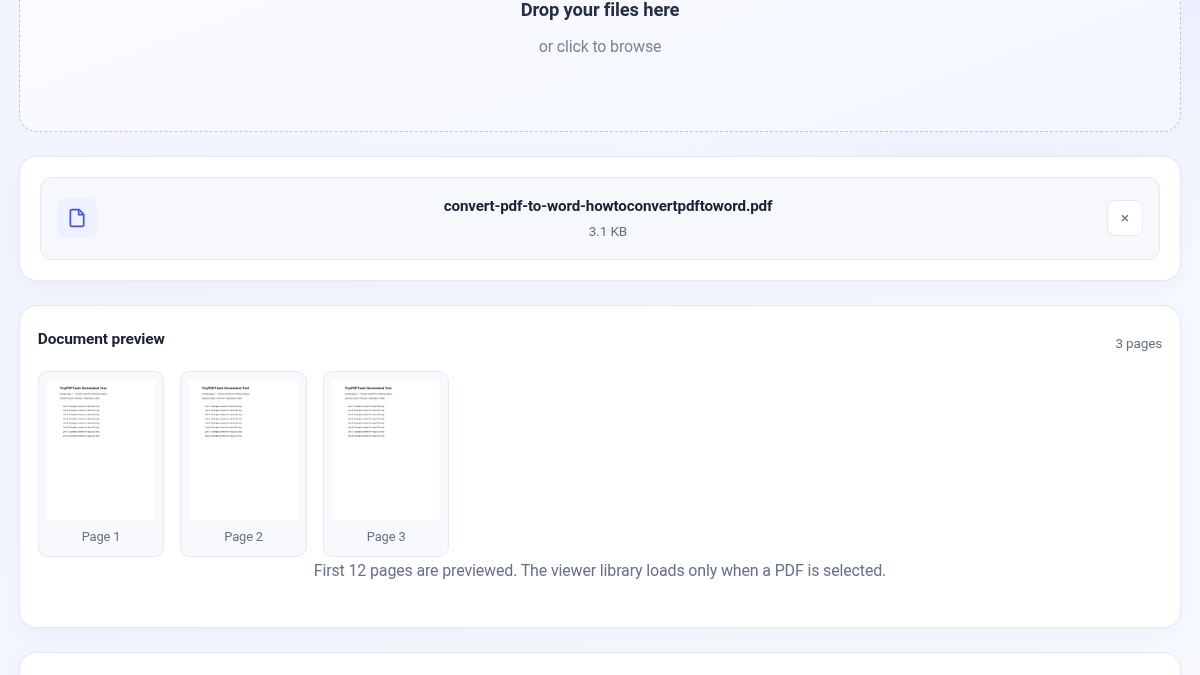 PDF GUIDE
PDF to Word: Convert a PDF into an Editable DOCX
Convert text-based PDFs to editable Word drafts. Check tables, fonts, page breaks and scanned pages before relying on the DOCX.
Read the guide →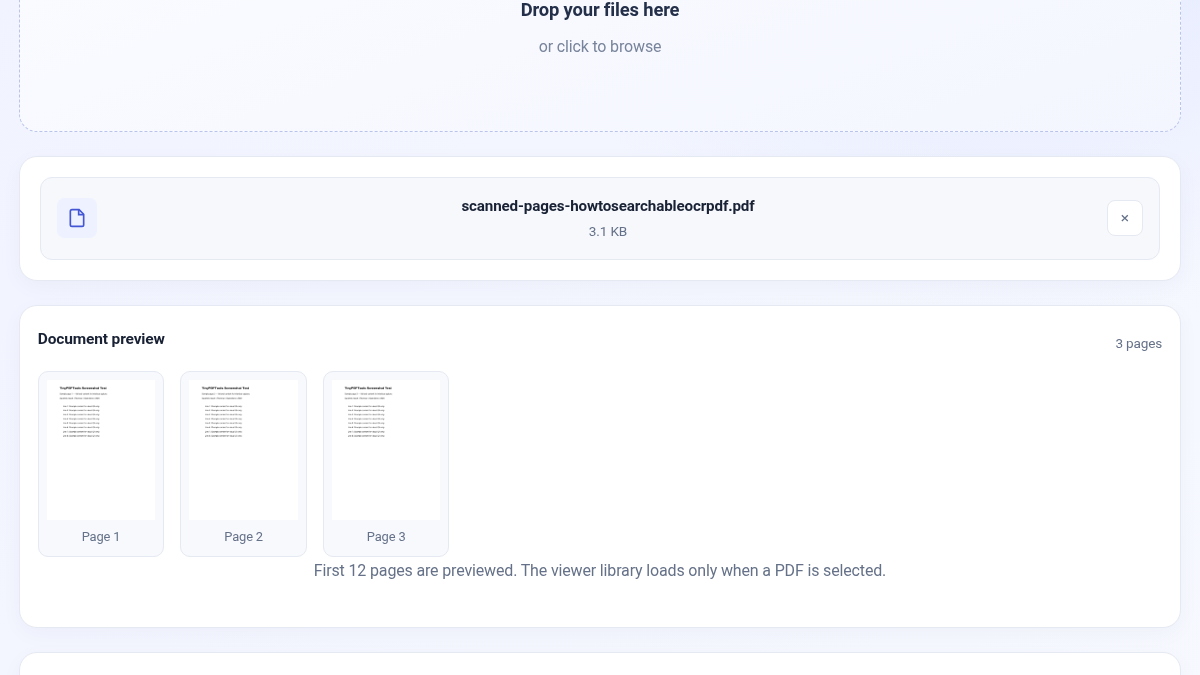 PDF GUIDE
How to OCR a PDF and Make Scans Searchable
Make scanned PDFs searchable with OCR. Learn to choose recognition language and verify names, dates and numbers.
Read the guide →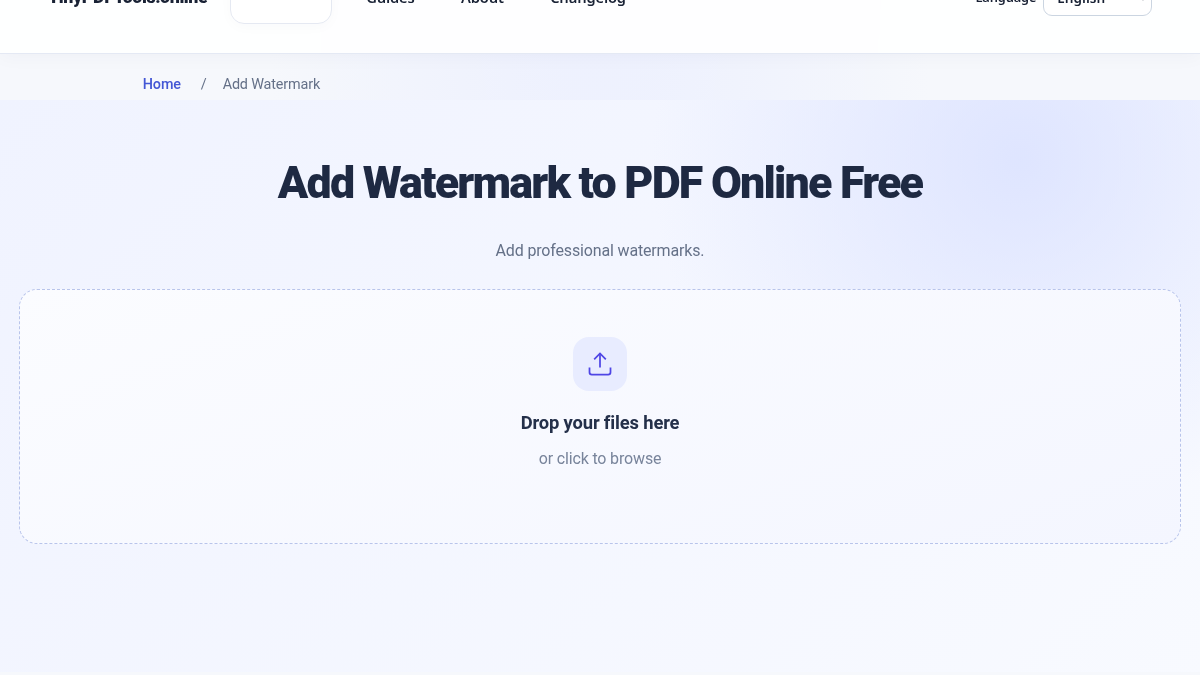 PDF GUIDE
How to Add a Watermark to a PDF
Add a draft or confidential watermark to PDF pages. Adjust opacity and placement, then check readability.
Read the guide → PDF GUIDE
How to Crop PDF Pages and Remove Wide Margins
Crop PDF page margins and improve framing. Learn why cropping is not a substitute for secure redaction.
Read the guide → PDF GUIDE
Excel to PDF: Set Print Areas and Page Breaks
Convert spreadsheets to PDF and check print areas, scaling, repeated headers, formulas and page breaks.
Read the guide → PDF GUIDE
How to Convert HEIC Images to JPG
Convert supported HEIC photos to JPG for forms and websites. Check orientation, detail and output quality.
Read the guide → PDF GUIDE
How to Resize Images Online Without Distorting Them
Resize images for uploads and profiles. Keep proportions and verify pixel dimensions before submitting.
Read the guide → PDF GUIDE
Compress PDF to 200KB: What Is Realistic?
Try to reduce a PDF toward 200KB while checking readability. File size depends on pages, scans and images.
Read the guide →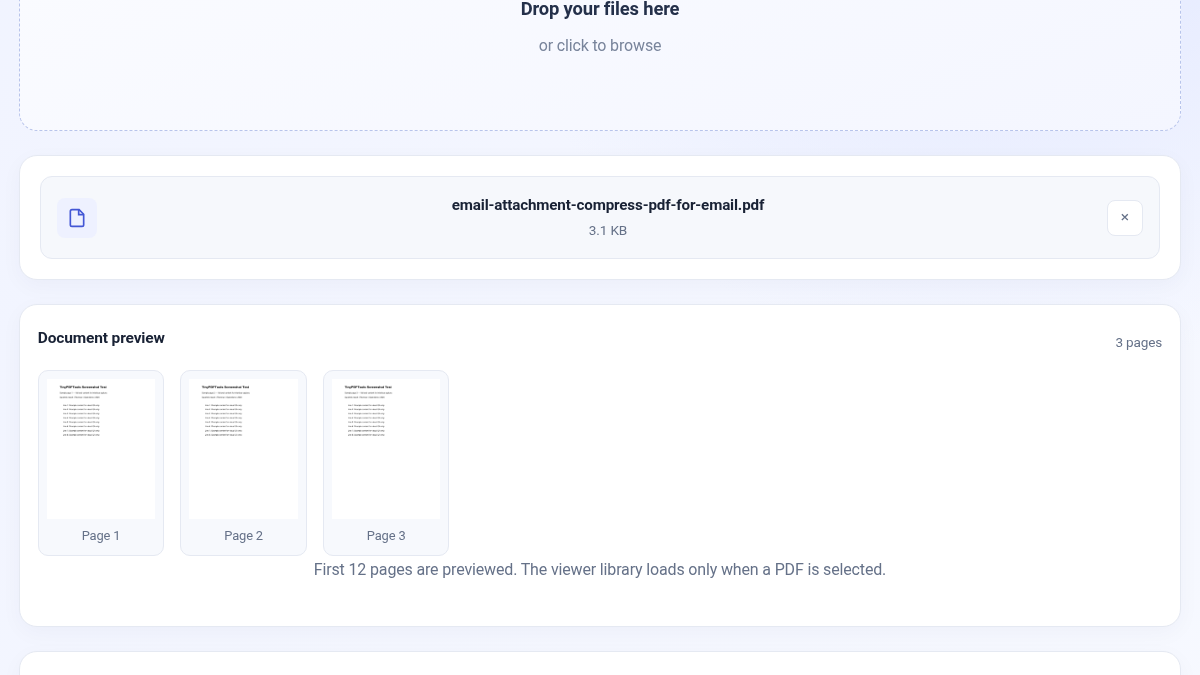 PDF GUIDE
Compress PDF for Email: Reduce Attachment Size
Reduce a PDF attachment for email. Check the recipient’s actual attachment limit before sending.
Read the guide →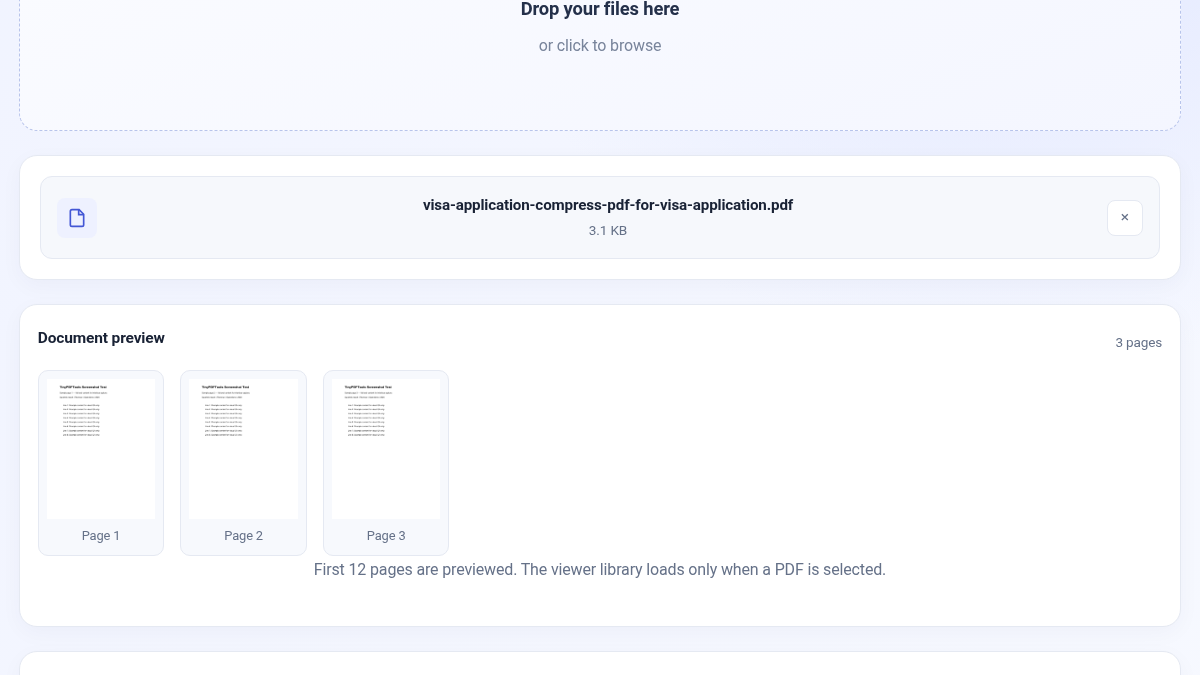 PDF GUIDE
Compress PDF for a Visa Application: Check the Portal Rules
Prepare a smaller visa PDF while preserving required pages, stamps, signatures and portal scan rules.
Read the guide →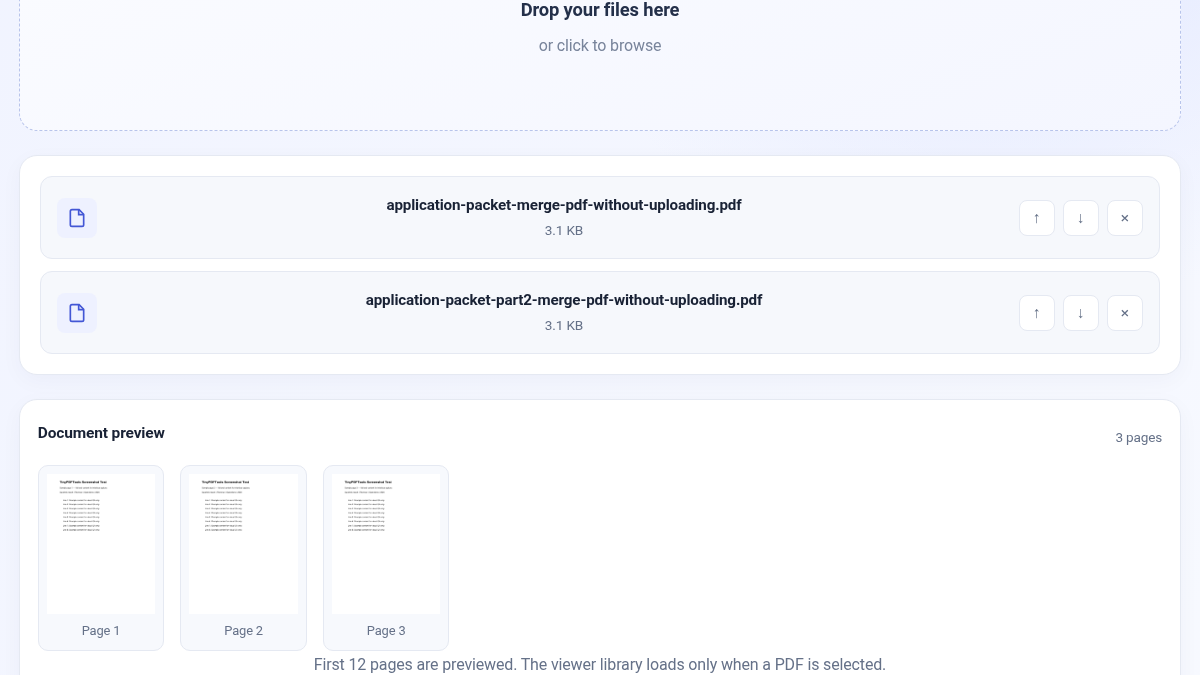 PDF GUIDE
Merge PDF Without Uploading Files: Browser-Based Processing
Combine PDFs in a browser-local workflow. Learn what local processing means and how to check privacy needs.
Read the guide →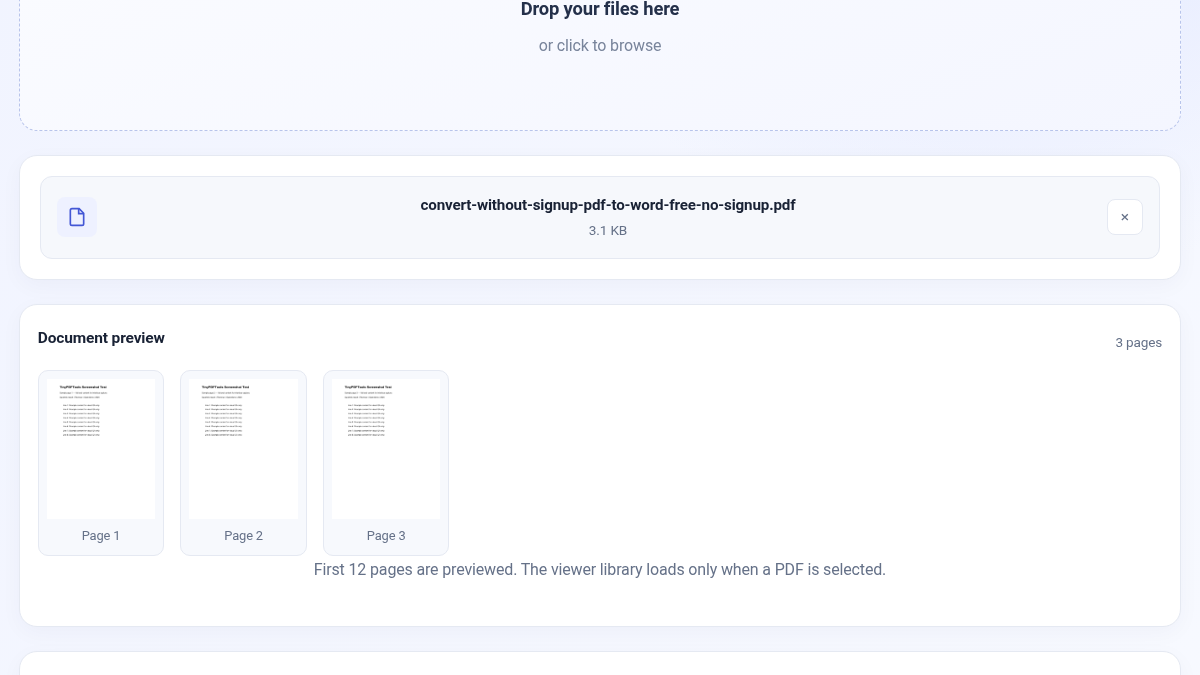 PDF GUIDE
PDF to Word Free: Convert Without Creating an Account
Convert a text-based PDF to Word for free without a signup step. Review formatting and scanned content.
Read the guide →ARABIC GUIDEArabic guide: Merge PDF Without Uploading Files
Read the Arabic-language walkthrough for combining PDF files in a browser-based workflow without selecting a server upload.
Open Arabic guide →