Practical use cases
Use PDF to PNG conversion when preparing design assets, screenshots and graphics.
Before you start
Keep an untouched copy of the source file and check that its format is supported before starting.
Check output resolution, page sequence, colour and the number of generated images
Step-by-step walkthrough
- Select the PDF and choose the page range or output resolution.
- Choose PNG when crisp edges or lossless image output are important.
- Convert and download the page images.
- Check image dimensions, colour, page sequence and output file count.
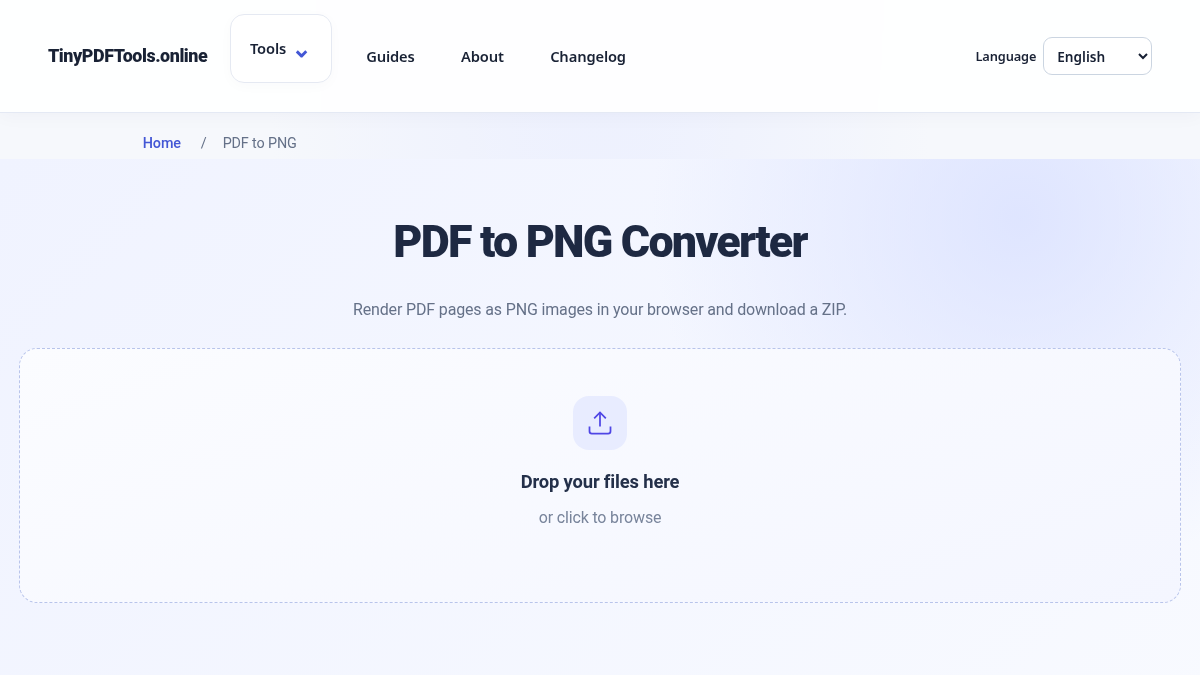
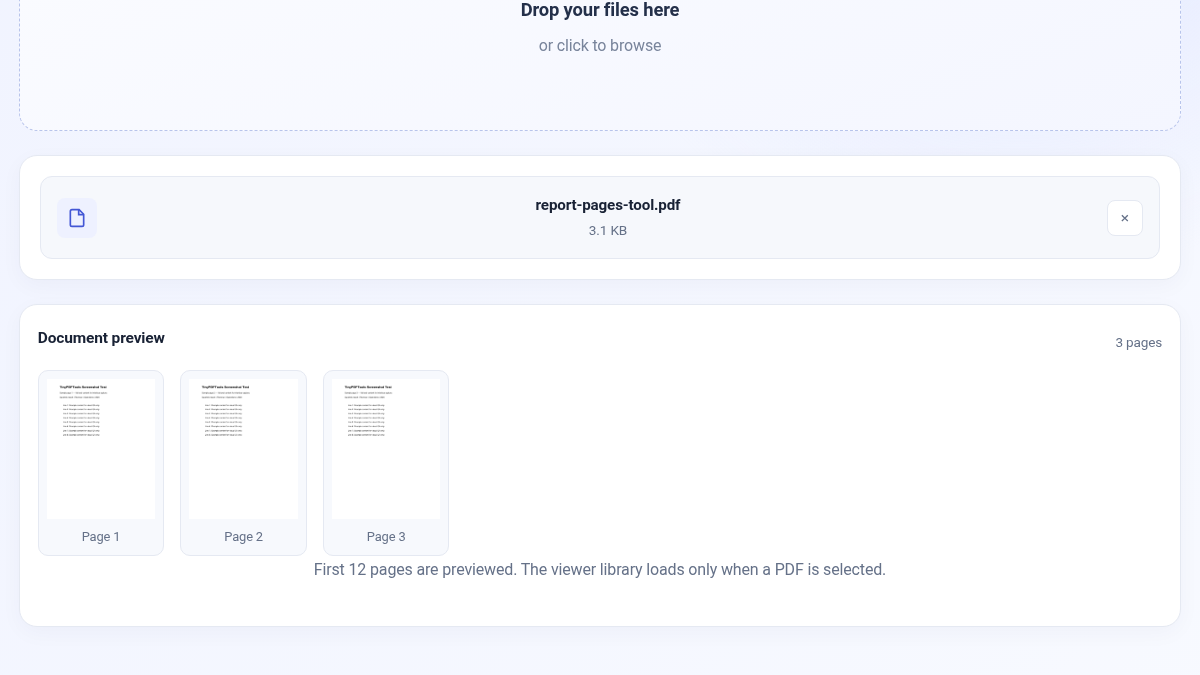
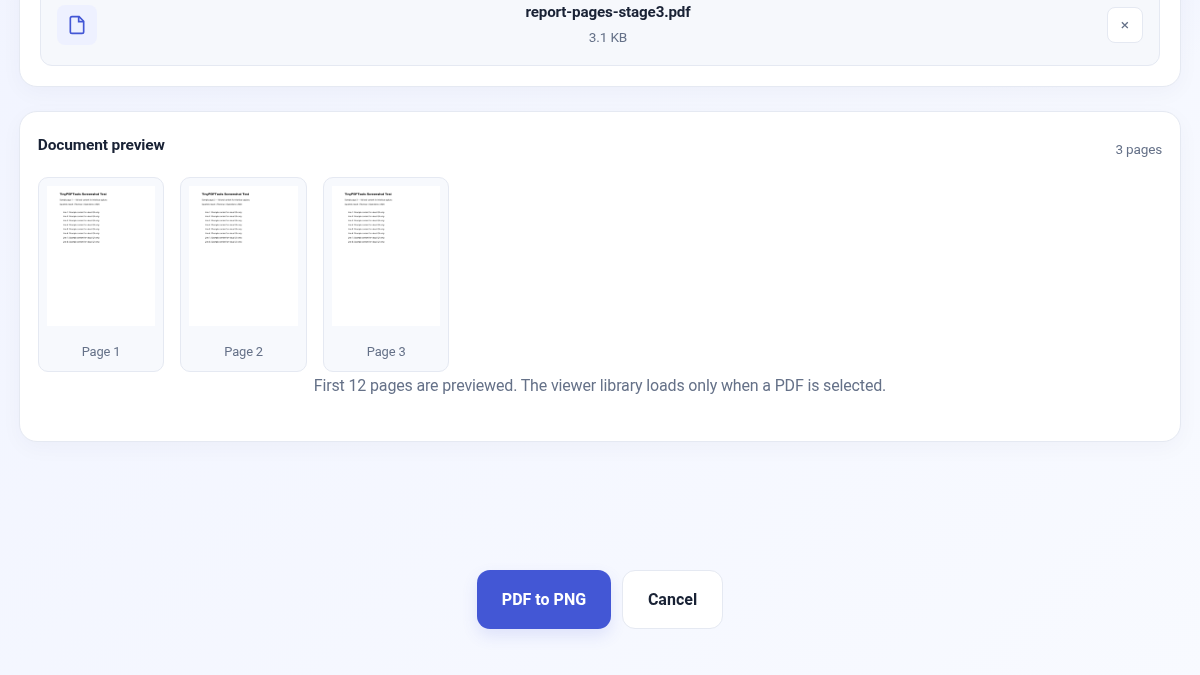
Tool screenshots
What to verify
- Check output resolution, page sequence, colour and the number of generated images
- Download the result, open it in another viewer and compare it with the source.
- Open the downloaded file and confirm that it contains the expected result.
When to use Pdf To Png
Use PDF to PNG when you need lossless raster images of selected PDF pages. Output dimensions depend on the chosen resolution.
Check the exported page count, pixel dimensions and small text or line details at the intended zoom level.
Limitations
This focused browser tool handles PDF to PNG conversion; it is not a substitute for a full-featured editor. Keep the original and verify the output before relying on it.
Each output page is rasterized; text and vector objects are no longer editable as PDF elements
Frequently asked questions
What should I verify before sharing?
Open the downloaded image, check dimensions and orientation, and confirm that no edges are clipped.
Are colors guaranteed to match?
Color profiles and display settings can change appearance. Compare the output on the target device.
Why is the output file large?
Higher resolution and less compression increase file size. Balance detail against the size limit.
How can I avoid blurry results?
Choose sufficient pixel dimensions for the intended display or print size and inspect fine details at 100% zoom.
Will transparent backgrounds be preserved?
Transparency depends on the source and selected output format. PNG generally supports it; JPEG does not.
Which output settings matter for PDF to PNG Converter?
Check image dimensions, file format, color and quality before downloading.
What should I verify after using PDF To PNG?
Check the exported page count, pixel dimensions and small text or line details at the intended zoom level.
Why are PNG files larger than the source PDF?
PNG stores raster page images. High-resolution pages can produce large files even when the original PDF uses compact text and vector objects.