How to Resize Images Online Without Distorting Them
This practical guide explains image resizing for phone photos and image uploads. Follow the workflow, check the output and understand when another method is safer.
When is this useful?
Use image resizing when preparing phone photos and image uploads. The operation is designed for this focused job; it is not a replacement for a full document editor.
Resizing changes pixel dimensions; it does not necessarily reduce file size enough for an upload limit
Step-by-step walkthrough
- Prepare a copy of the source file for image resizing. Confirm the extension and open the original once before using the tool.
- Resizing changes pixel dimensions; it does not necessarily reduce file size enough for an upload limit
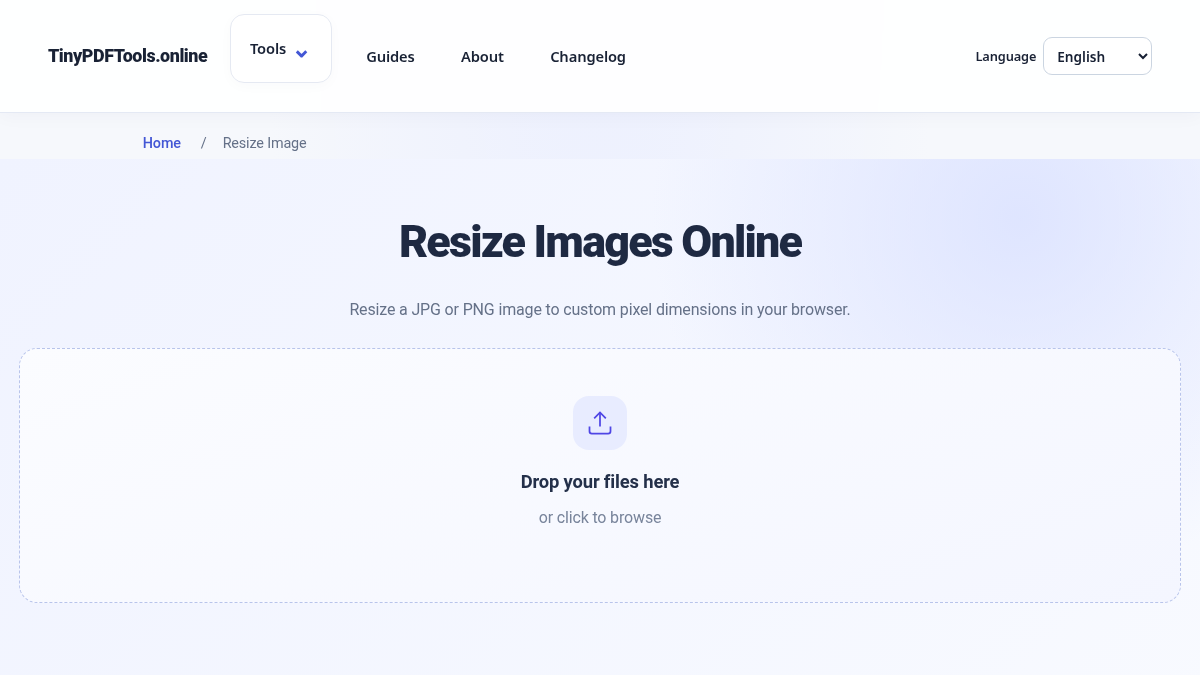
- Open Resize Image, select the picture, enter the target width and height, and keep the aspect ratio enabled when suitable.
- Open the final file in another app and compare the result with the source. Keep the original until review is complete.
Tool screenshots
What to verify
Check output dimensions, sharpness, crop and platform requirements before replacing the original.
Open Resize Image, select the picture, enter the target width and height, and keep the aspect ratio enabled when suitable.
Choosing the right approach for How to Resize Images Online Without Distorting Them
Choose exact pixel dimensions for the destination and preserve the aspect ratio unless the layout explicitly requires a different shape. Upscaling cannot restore detail that was not in the original.
Check width, height and sharpness at the final display size, especially around text and fine edges.
Limitations
This focused browser tool handles image resizing; it is not a substitute for a full-featured editor. Keep the original and verify the output before relying on it.
Always compare the output with the source and follow the receiving service’s specific requirements.
Frequently asked questions
When should I use another method for how to resize images online without distorting them?
Use desktop software or the original authoring application when you need advanced controls, batch processing or exact source fidelity.
What are common reasons the workflow fails?
Unsupported source features, damaged files, missing fonts and browser memory limits can affect processing.
How do I know the result is acceptable?
Open the downloaded file in a separate reader and inspect the pages or content that matter most.
Which settings affect the result most?
The source document, page count, embedded images, fonts and selected output settings have the greatest effect.
What should I prepare before how to resize images online without distorting them?
Keep an untouched copy, confirm the source format and identify any required size, quality or layout constraints.
What is the main goal of How to Resize Images Online Without Distorting Them?
The goal is to complete the specific how to resize images online without distorting them task while preserving the information needed in the final file.
This practical guide explains image resizing for phone photos and image uploads. Follow the workflow, check the output and understand when another method is safer.
Open the tool: Resize Images Online →