How to OCR a PDF and Make Scans Searchable
This practical guide explains OCR for PDF scans for paper forms and scanned paperwork. Follow the workflow, check the output and understand when another method is safer.
When is this useful?
Use OCR for PDF scans when preparing paper forms and scanned paperwork. The operation is designed for this focused job; it is not a replacement for a full document editor.
The pages are images without a usable selectable text layer
Step-by-step walkthrough
- Prepare a copy of the source file for OCR for PDF scans. Confirm the extension and open the original once before using the tool.
- The pages are images without a usable selectable text layer
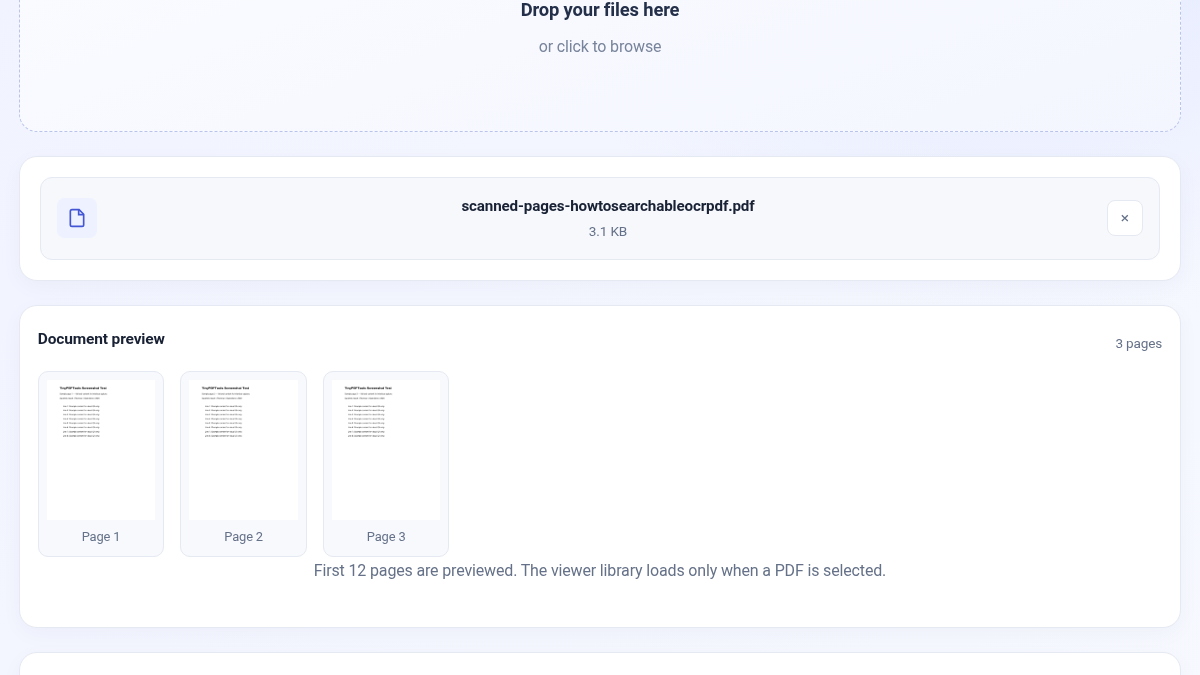
- Choose the OCR PDF tool, select a scan, choose the recognition language if available, and process the file.
- Open the final file in another app and compare the result with the source. Keep the original until review is complete.
Tool screenshots
What to verify
Search for a known word, copy sample text and compare every important figure against the page image.
Choose the OCR PDF tool, select a scan, choose the recognition language if available, and process the file.
Choosing the right approach for How to OCR a PDF and Make Scans Searchable
Run OCR with the correct document language and use a clear, upright scan. OCR creates a text layer but may misread low-resolution text, handwriting and complex tables.
Search for words on several pages and copy sample lines to check recognition, reading order and special characters.
Limitations
This focused browser tool handles OCR for PDF scans; it is not a substitute for a full-featured editor. Keep the original and verify the output before relying on it.
Always compare the output with the source and follow the receiving service’s specific requirements.
Frequently asked questions
When should I use another method for how to ocr a pdf and make scans searchable?
Use desktop software or the original authoring application when you need advanced controls, batch processing or exact source fidelity.
What are common reasons the workflow fails?
Unsupported source features, damaged files, missing fonts and browser memory limits can affect processing.
How do I know the result is acceptable?
Open the downloaded file in a separate reader and inspect the pages or content that matter most.
Which settings affect the result most?
The source document, page count, embedded images, fonts and selected output settings have the greatest effect.
What should I prepare before how to ocr a pdf and make scans searchable?
Keep an untouched copy, confirm the source format and identify any required size, quality or layout constraints.
What is the main goal of How to OCR a PDF and Make Scans Searchable?
The goal is to complete the specific how to ocr a pdf and make scans searchable task while preserving the information needed in the final file.
This practical guide explains OCR for PDF scans for paper forms and scanned paperwork. Follow the workflow, check the output and understand when another method is safer.
Open the tool: OCR PDF Online →