Practical use cases
Use OCR for images when preparing paper forms and scanned paperwork.
Before you start
Keep an untouched copy of the source file and check that its format is supported before starting.
Proofread names, numbers, punctuation and reading order against the original image
Step-by-step walkthrough
- Select the photo or screenshot with readable text.
- Choose the recognition language when the tool offers a language setting.
- Run OCR and copy or download the recognized text.
- Proofread names, dates, amounts, punctuation and column order against the image.
Tool screenshots

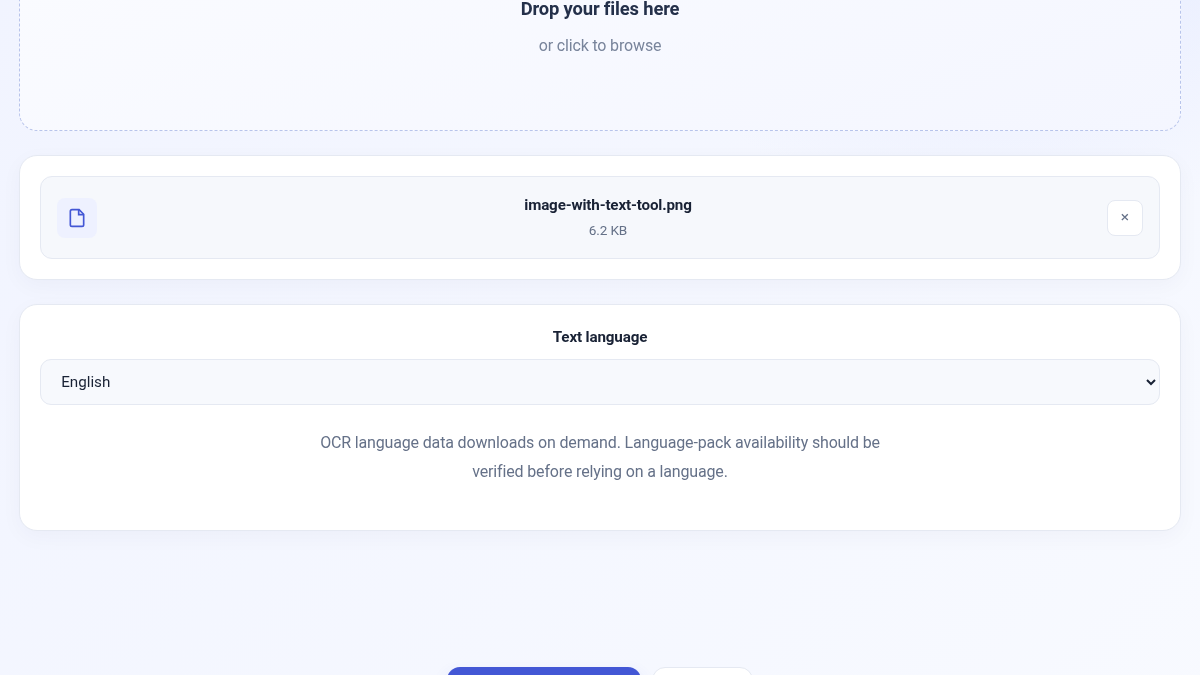
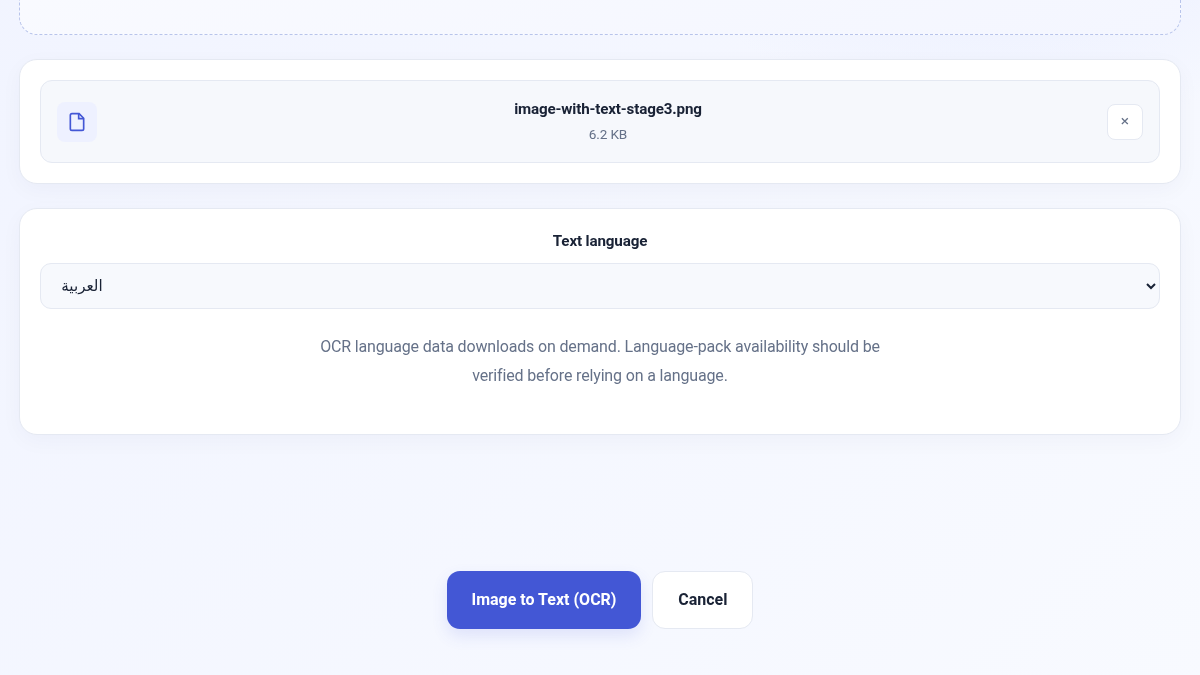
What to verify
- Proofread names, numbers, punctuation and reading order against the original image
- Download the result, open it in another viewer and compare it with the source.
- Open the downloaded file and confirm that it contains the expected result.
When to use Image Ocr
Use Image OCR to recognize text inside a photo or image when you need searchable or copyable words. Recognition quality depends on image sharpness, contrast and language selection.
Compare the recognized text with the source image, paying special attention to names, numbers, punctuation and reading order.
Limitations
This focused browser tool handles OCR for images; it is not a substitute for a full-featured editor. Keep the original and verify the output before relying on it.
OCR recognition is an estimate; handwriting, blur, skew and complex columns reduce accuracy
Frequently asked questions
How do I verify searchable text?
Search for a known phrase and copy a short passage, then compare it with the page image.
Why are some words missing?
Low resolution, shadows, columns and rotated pages can reduce recognition quality.
Will the original page image remain?
OCR may add a text layer while retaining the scan. Test text selection and search in the output.
Which language should I select?
Choose the language used in the document; mixed-language pages may need separate review.
Can OCR recognize handwriting?
Handwriting recognition is less reliable than printed text and may not be supported by this workflow.
How accurate is OCR?
Accuracy depends on scan quality, contrast, skew, language and font. Proofread names, dates and numbers.
What should I verify after using Image OCR?
Compare the recognized text with the source image, paying special attention to names, numbers, punctuation and reading order.
Can OCR recognize handwriting accurately?
Handwriting and low-contrast text may be misread. Check names, numbers and punctuation against the original image.