Practical use cases
Use PDF page deletion when preparing reports and project appendices. The operation is designed for this focused job; it is not a replacement for a full document editor.
Before you start
Keep an untouched source copy and confirm that the file opens normally. Choose the right page range, format or quality before you start.
Check the page count and inspect the pages immediately before and after each deletion
Step-by-step walkthrough
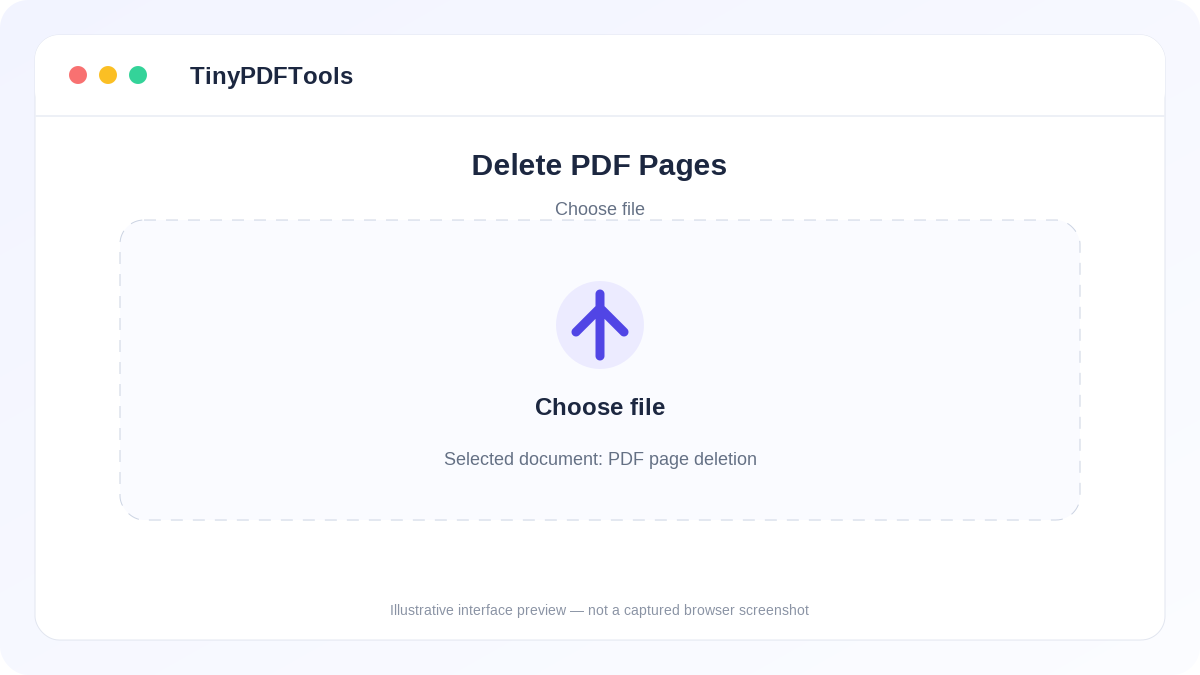
- Add the PDF and review its page thumbnails.
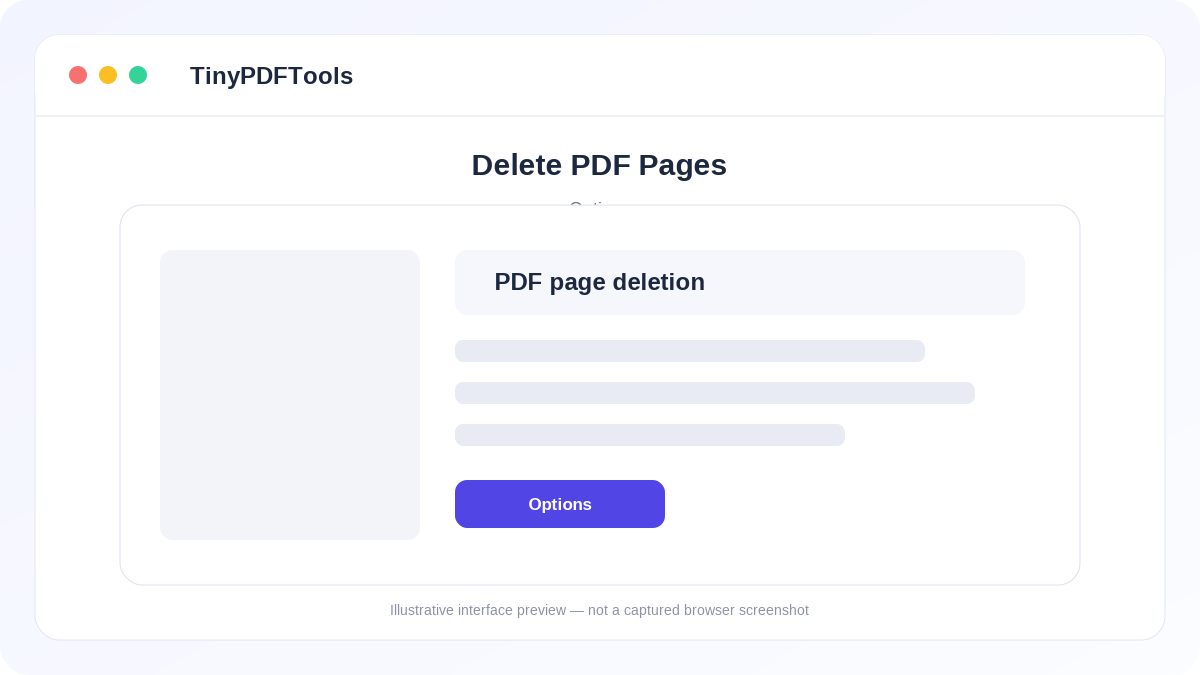
- Select the blank, duplicate or unwanted pages in the grid.
- Confirm the selected page numbers before deleting and saving.
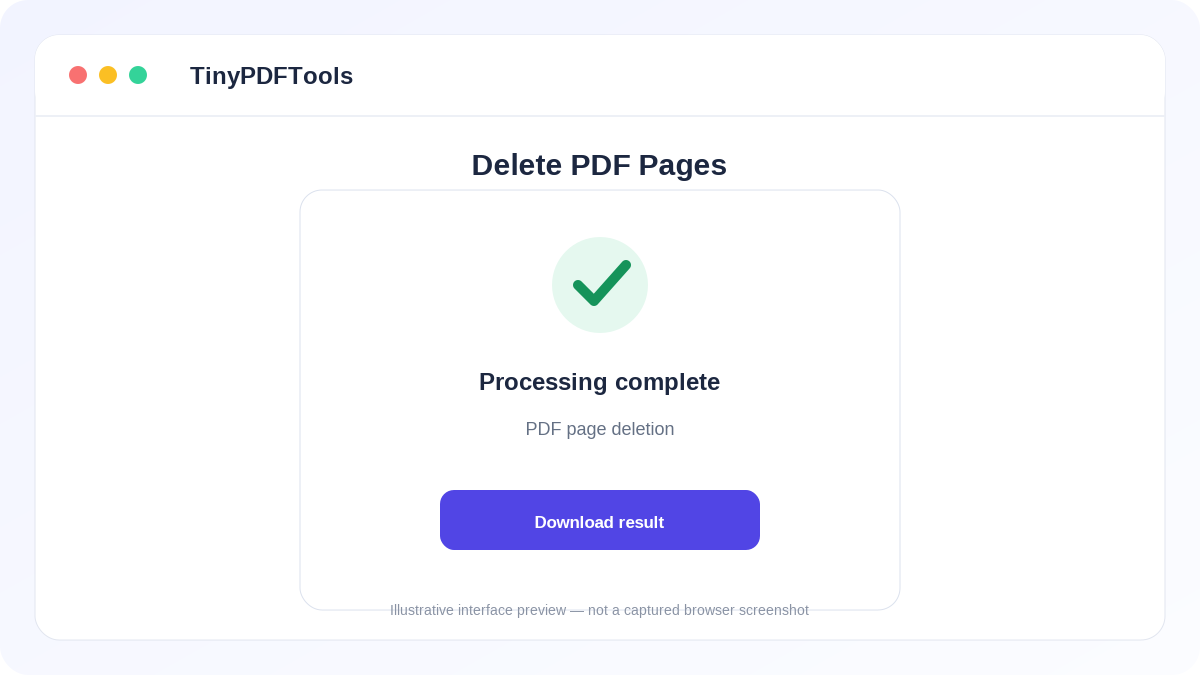
- Recheck the page count and inspect the pages beside every deletion.
Interface previews
What to verify
- Check the page count and inspect the pages immediately before and after each deletion
- Download the result, open it in another viewer and compare it with the source.
- Keep an untouched source copy and confirm that the file opens normally. Choose the right page range, format or quality before you start.
Which method fits?
| Browser-based tool | Desktop PDF or office software | Original authoring application | |
|---|---|---|---|
| PDF page deletion | Use PDF page deletion when preparing reports and project appendices. The operation is designed for this focused job; it is not a replacement for a full document editor. | The browser tool is convenient for a focused task. Desktop PDF or Office software offers more detailed controls, while the original authoring app is often best when the source document can still be edited. | A full PDF editor when bookmarks, form fields or complex navigation must be preserved |
Deleting a page changes document structure and may affect bookmarks, forms or internal links. A full PDF editor when bookmarks, form fields or complex navigation must be preserved.
Limitations
This focused browser tool handles PDF page deletion; it is not a substitute for a full-featured editor. Keep the original and verify the output before relying on it.
Deleting a page changes document structure and may affect bookmarks, forms or internal links
Frequently asked questions
Can I recover a page after saving the deletion?
Use your untouched source copy. The output is a separate file, but a saved deleted page should be recovered from the original rather than assumed to remain embedded.
What should I review after PDF page deletion?
Compare the output with the original. Pay particular attention to Check the page count and inspect the pages immediately before and after each deletion.
Which settings matter most when using Delete PDF Pages?
Add the PDF and review its page thumbnails. Select the blank, duplicate or unwanted pages in the grid.
What should I inspect in the Delete PDF Pages result?
Check the page count and inspect the pages immediately before and after each deletion Download the result, open it in another viewer and compare it with the source.
What should I know about the limits of Delete PDF Pages?
This focused browser tool handles PDF page deletion; it is not a substitute for a full-featured editor. Keep the original and verify the output before relying on it. Deleting a page changes document structure and may affect bookmarks, forms or internal links
When is another method better than Delete PDF Pages?
Deleting a page changes document structure and may affect bookmarks, forms or internal links. A full PDF editor when bookmarks, form fields or complex navigation must be preserved.