Practical use cases
Use PDF page cropping when preparing paper forms and scanned paperwork. The operation is designed for this focused job; it is not a replacement for a full document editor.
Before you start
Keep an untouched source copy and confirm that the file opens normally. Choose the right page range, format or quality before you start.
Check every selected page for clipped stamps, signatures, page numbers and marginal notes
Step-by-step walkthrough
- Add the PDF and open the page thumbnails.
- Select the page or range, then adjust the visible crop box.
- Apply the crop to the intended pages and save a separate copy.
- Check every page edge for cut-off notes, stamps, signatures or page numbers.
Interface previews
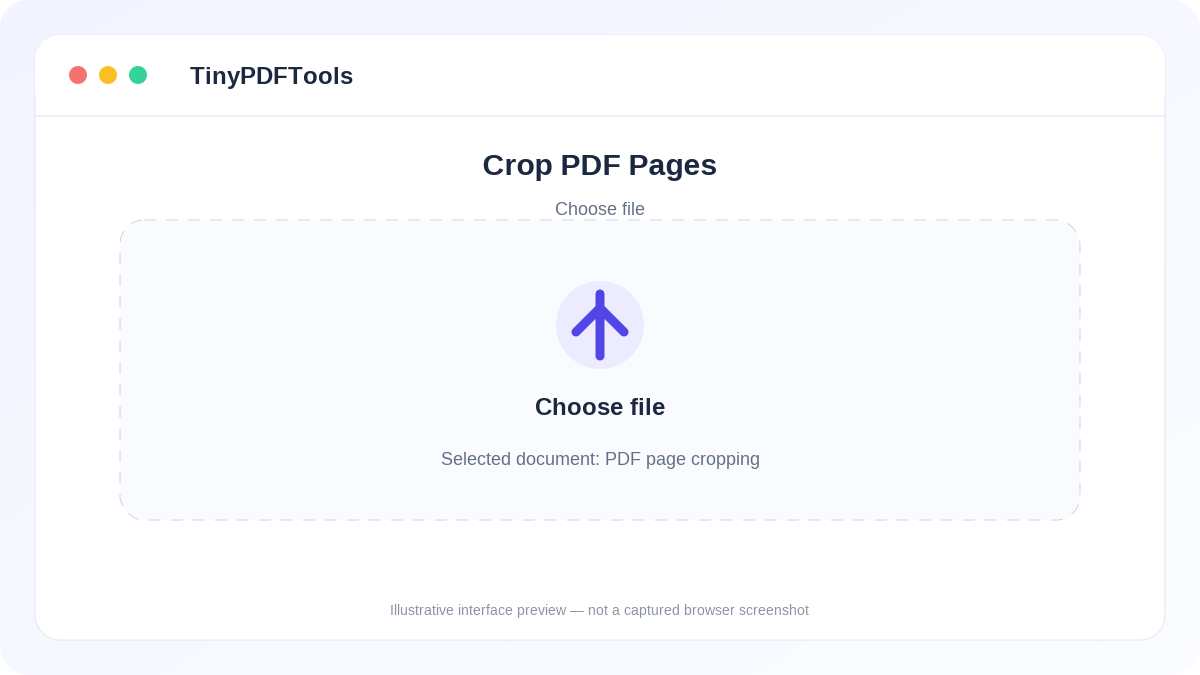
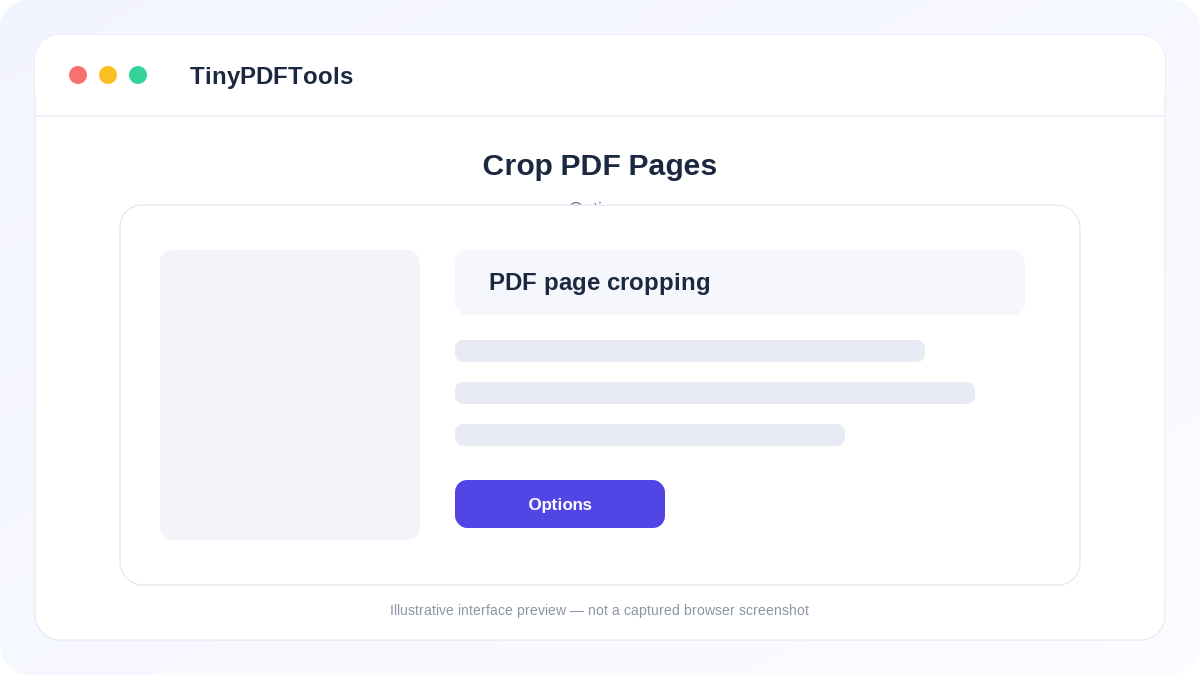
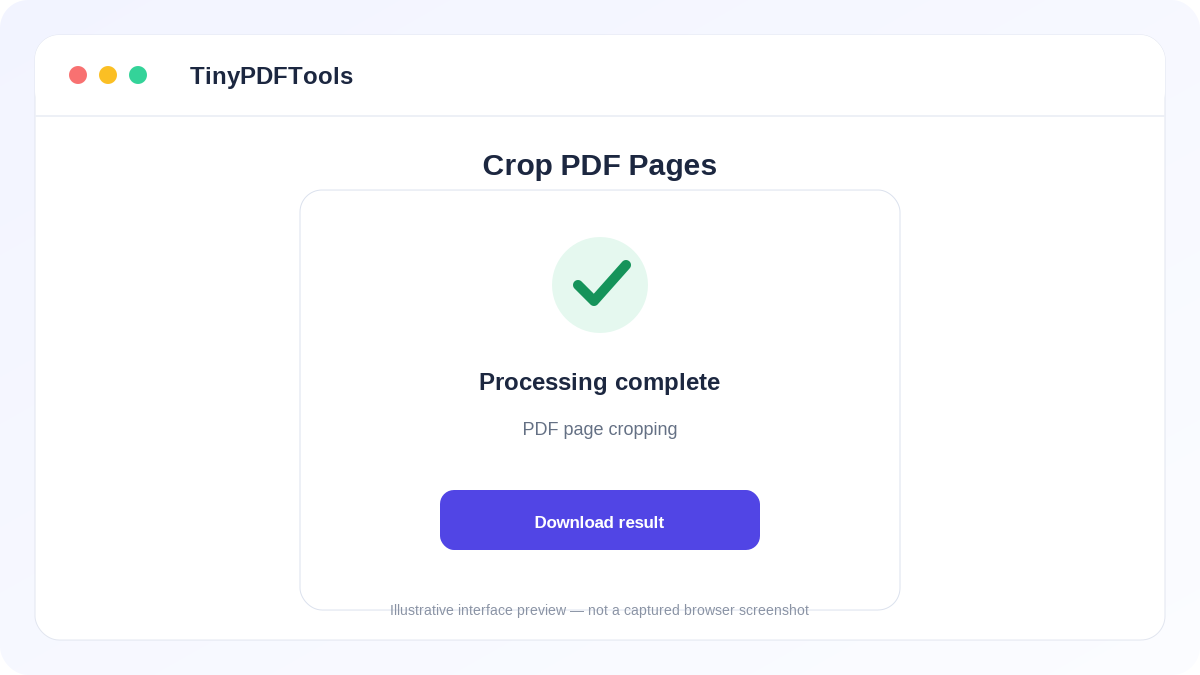
What to verify
- Check every selected page for clipped stamps, signatures, page numbers and marginal notes
- Download the result, open it in another viewer and compare it with the source.
- Keep an untouched source copy and confirm that the file opens normally. Choose the right page range, format or quality before you start.
Which method fits?
| Browser-based tool | Desktop PDF or office software | Original authoring application | |
|---|---|---|---|
| PDF page cropping | Use PDF page cropping when preparing paper forms and scanned paperwork. The operation is designed for this focused job; it is not a replacement for a full document editor. | The browser tool is convenient for a focused task. Desktop PDF or Office software offers more detailed controls, while the original authoring app is often best when the source document can still be edited. | A desktop PDF editor when you need per-page crop boxes or redaction |
Cropping changes the visible page area; it does not redact hidden content or securely remove data. A desktop PDF editor when you need per-page crop boxes or redaction.
Limitations
This focused browser tool handles PDF page cropping; it is not a substitute for a full-featured editor. Keep the original and verify the output before relying on it.
Cropping changes the visible page area; it does not redact hidden content or securely remove data
Frequently asked questions
Does cropping permanently remove the content outside the crop box?
No. Cropping can hide page areas without securely erasing underlying data. Use a dedicated redaction tool to remove sensitive information.
What should I review after PDF page cropping?
Compare the output with the original. Pay particular attention to Check every selected page for clipped stamps, signatures, page numbers and marginal notes.
Which settings matter most when using Crop PDF Pages?
Add the PDF and open the page thumbnails. Select the page or range, then adjust the visible crop box.
What should I inspect in the Crop PDF Pages result?
Check every selected page for clipped stamps, signatures, page numbers and marginal notes Download the result, open it in another viewer and compare it with the source.
What should I know about the limits of Crop PDF Pages?
This focused browser tool handles PDF page cropping; it is not a substitute for a full-featured editor. Keep the original and verify the output before relying on it. Cropping changes the visible page area; it does not redact hidden content or securely remove data
When is another method better than Crop PDF Pages?
Cropping changes the visible page area; it does not redact hidden content or securely remove data. A desktop PDF editor when you need per-page crop boxes or redaction.
Related workflow
Read the guide: How to Crop PDF Pages and Remove Wide Margins