Clear answers for everyday document tasks
Follow straightforward tutorials for merging, organizing, converting, and working with PDF files. Each guide points you to the right tool and explains important limitations.
 PDF GUIDE
How to Merge PDF Files: A Practical Step-by-Step Guide
Combine several PDF documents into one file, check their order, and avoid common merging problems.
Read guide → PDF GUIDE
How PDF Compression Optimizes Embedded Images
Learn how the compressor re-encodes embedded images without converting whole pages to pictures. Existing selectable text and vector objects normally remain intact; review signatures and interactive features.
Read guide → PDF GUIDE
How to Convert JPG or PNG Images to PDF
Turn image files into a PDF for printing, archiving, or sharing while checking orientation and page order.
Read guide → PDF GUIDE
How to Add Page Numbers to a PDF
Add visible page numbers to reports and documents, then verify that they do not cover existing content.
Read guide → PDF GUIDE
How to Add a Visible Signature to a PDF
Place a drawn signature image on a PDF and understand the difference between a visible mark and a certificate-based digital signature.
Read guide → PDF GUIDE
How to Delete Pages from a PDF Safely
Remove unwanted pages from a copy of a PDF and verify that the remaining document is complete.
Read guide → PDF GUIDE
How to Rotate PDF Pages Without Changing the Original
Correct sideways or upside-down pages and check mixed-orientation documents before sharing.
Read guide → PDF GUIDE
How to Reorder PDF Pages
Arrange pages into a logical sequence for reports, forms, and scanned documents.
Read guide → PDF GUIDE
How to Split a PDF and Extract Specific Pages
Create a smaller PDF from selected pages while keeping the source document intact.
Read guide → PDF GUIDE
How to Extract Text from Images with OCR
Use optical character recognition to turn text in a photo or scan into editable text, then proofread the result.
Read guide →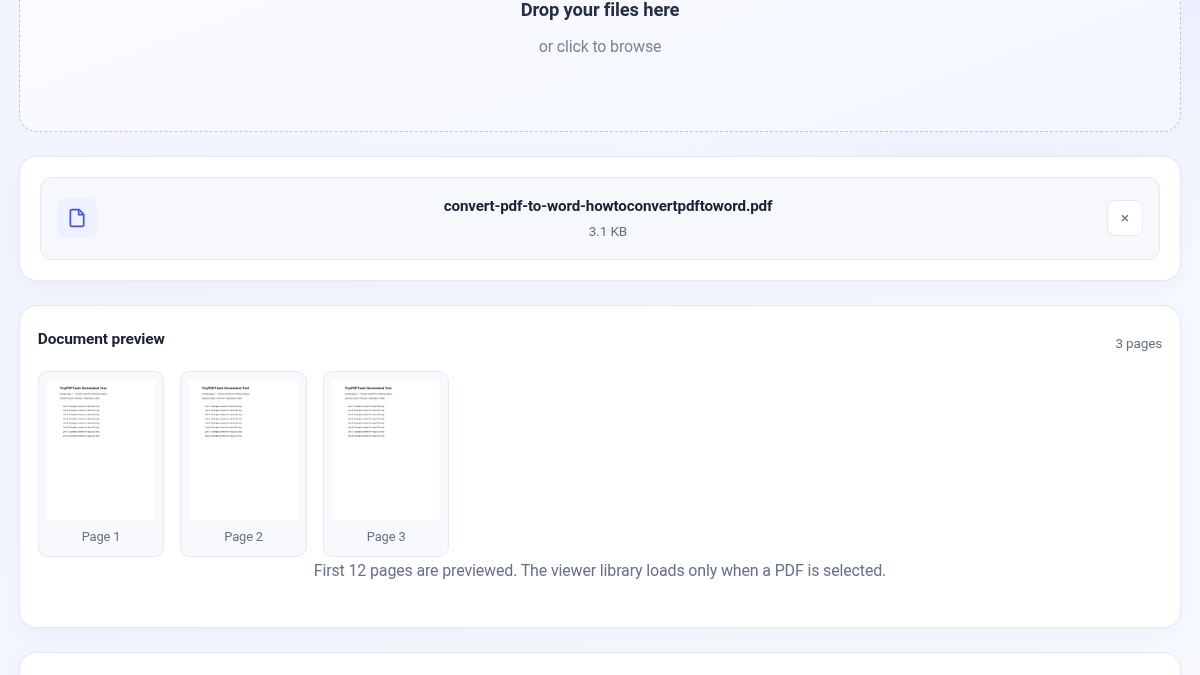 PDF GUIDE
PDFをWordに変換する方法:編集可能なDOCXを作成
レポートやプロジェクトの付録向けのPDFからWordへの変換を解説します。手順に沿って操作し、共有前に結果を確認してください。
ガイドを読む →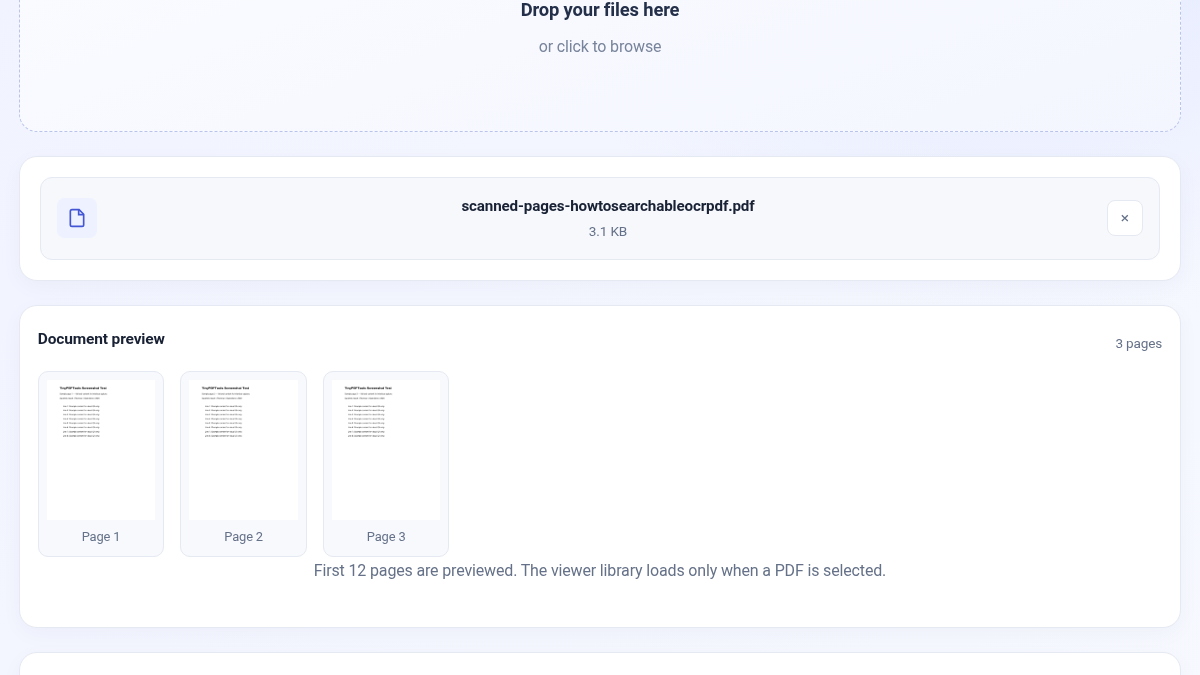 PDF GUIDE
OCRでスキャンPDFを検索可能にする方法
紙のフォームやスキャン書類向けのスキャンPDFのOCRを解説します。手順に沿って操作し、共有前に結果を確認してください。
ガイドを読む →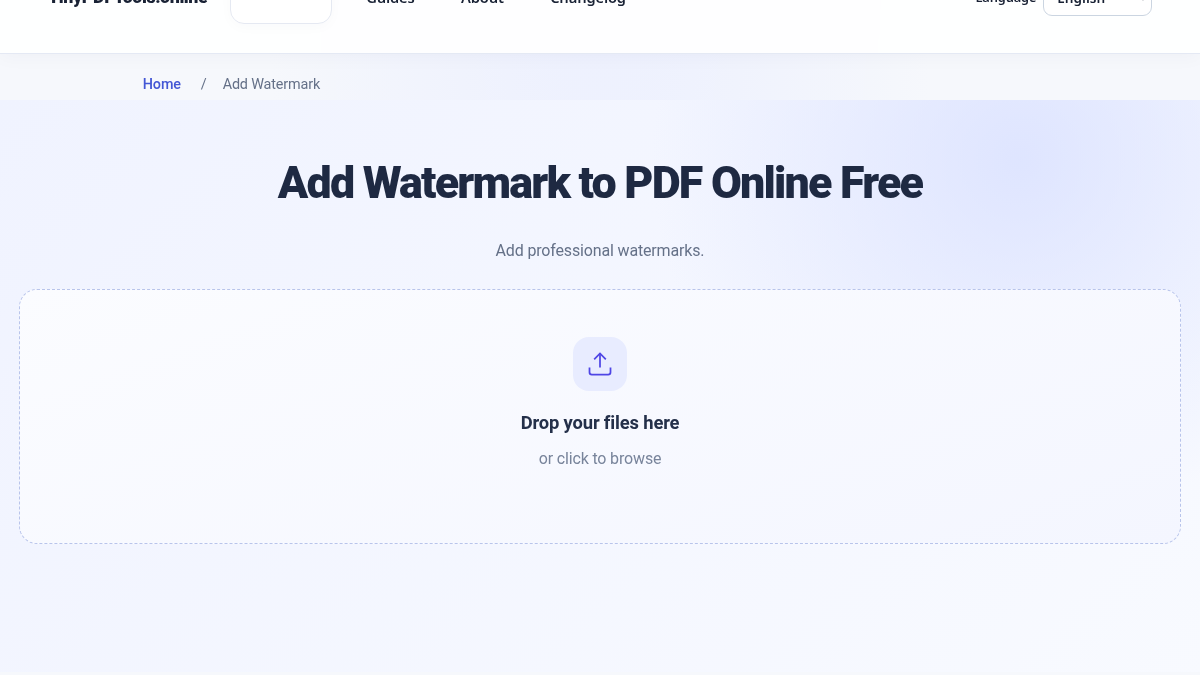 PDF GUIDE
PDFに透かしを追加する方法
レポートやプロジェクトの付録向けのPDFへの透かし追加を解説します。手順に沿って操作し、共有前に結果を確認してください。
ガイドを読む → PDF GUIDE
PDFページをトリミングして余白を整える方法
紙のフォームやスキャン書類向けのPDFページのトリミングを解説します。手順に沿って操作し、共有前に結果を確認してください。
ガイドを読む → PDF GUIDE
ExcelをPDFに変換:印刷範囲と改ページの確認
スプレッドシートや表形式のレポート向けのExcelからPDFへの変換を解説します。手順に沿って操作し、共有前に結果を確認してください。
ガイドを読む → PDF GUIDE
HEIC画像をJPGに変換する方法
スマートフォンの写真や画像アップロード向けの画像形式の変換を解説します。手順に沿って操作し、共有前に結果を確認してください。
ガイドを読む → PDF GUIDE
画像を歪ませずにオンラインでサイズ変更
スマートフォンの写真や画像アップロード向けの画像サイズ変更を解説します。手順に沿って操作し、共有前に結果を確認してください。
ガイドを読む → PDF GUIDE
PDFを200KBに圧縮:現実的な目標とは
レポートやプロジェクトの付録向けのPDF圧縮を解説します。手順に沿って操作し、共有前に結果を確認してください。
ガイドを読む →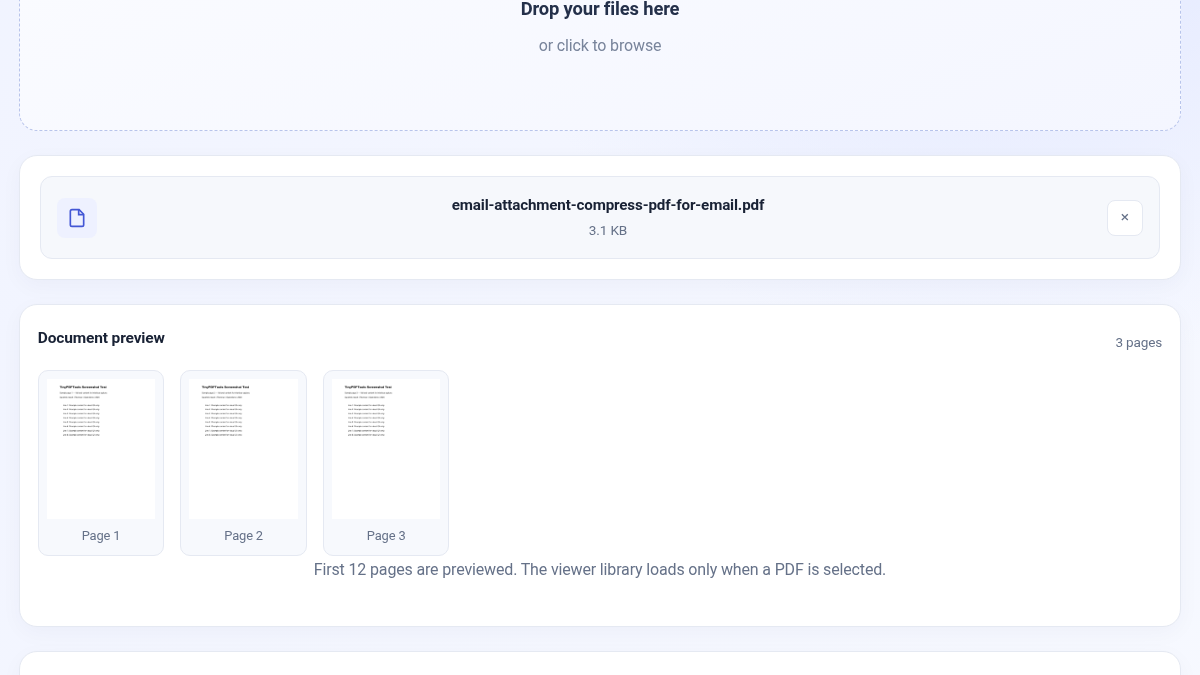 PDF GUIDE
メール添付用にPDFを圧縮して容量を減らす
レポートやプロジェクトの付録向けのPDF圧縮を解説します。手順に沿って操作し、共有前に結果を確認してください。
ガイドを読む →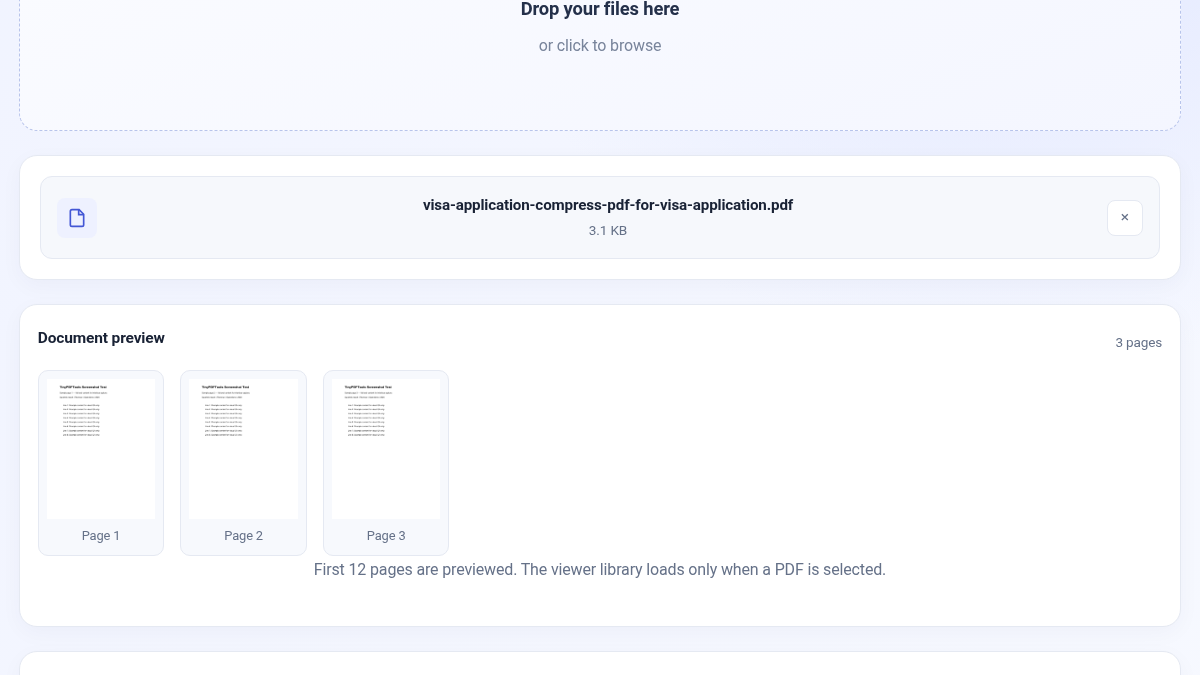 PDF GUIDE
ビザ申請用PDFを圧縮する前に確認すること
レポートやプロジェクトの付録向けのPDF圧縮を解説します。手順に沿って操作し、共有前に結果を確認してください。
ガイドを読む →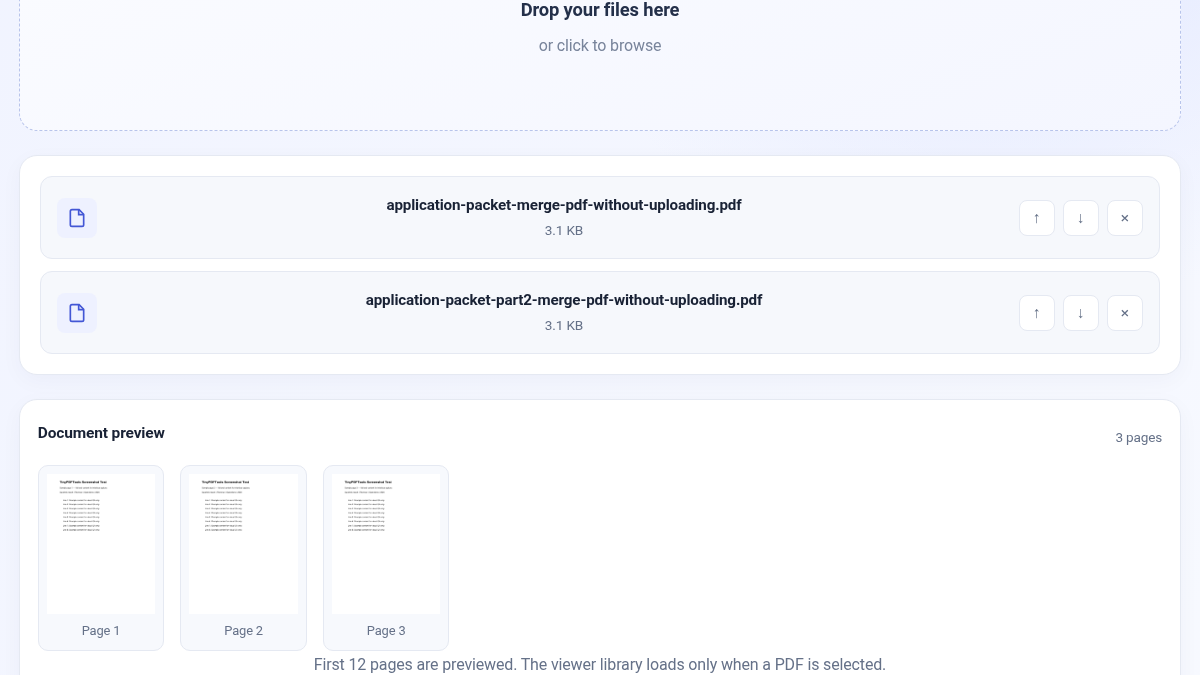 PDF GUIDE
ファイルをアップロードせずにPDFを結合する方法
申請書類と添付資料向けのPDFファイルの結合を解説します。手順に沿って操作し、共有前に結果を確認してください。
ガイドを読む →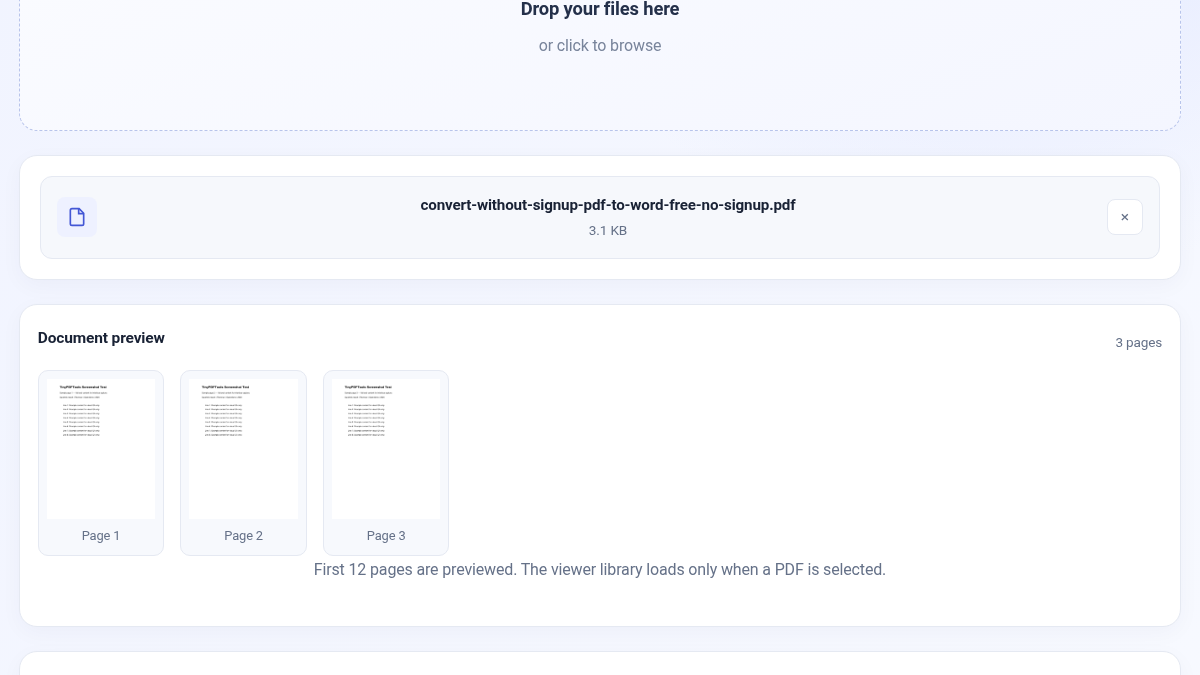 PDF GUIDE
登録不要でPDFを無料でWordに変換
レポートやプロジェクトの付録向けのPDFからWordへの変換を解説します。手順に沿って操作し、共有前に結果を確認してください。
ガイドを読む →