PDFページをトリミングして余白を整える方法
このガイドでは、紙のフォームやスキャン書類に関するPDFページのトリミングの手順と確認点、別の方法が適するケースを説明します。
どのような場面で役立ちますか?
紙のフォームやスキャン書類を準備するときにPDFページのトリミングを使用できます。このツールは特定の作業向けで、総合文書編集ソフトの代わりではありません。
変更していない元ファイルを保管し、正常に開けることを確認します。開始前にページ範囲、形式、品質を選びます。 出力を元ファイルと比較し、提出先の具体的な要件に従ってください。
手順ガイド
- 元ファイルを選択し、正しいバージョンであることを確認します。
- 必要なオプションを設定し、必要以上に強い設定は避けます。
- 処理を開始し、ブラウザーの処理が終わるまでタブを開いたままにします。
- 結果をダウンロードし、別のビューアーで開いて元ファイルと比較します。
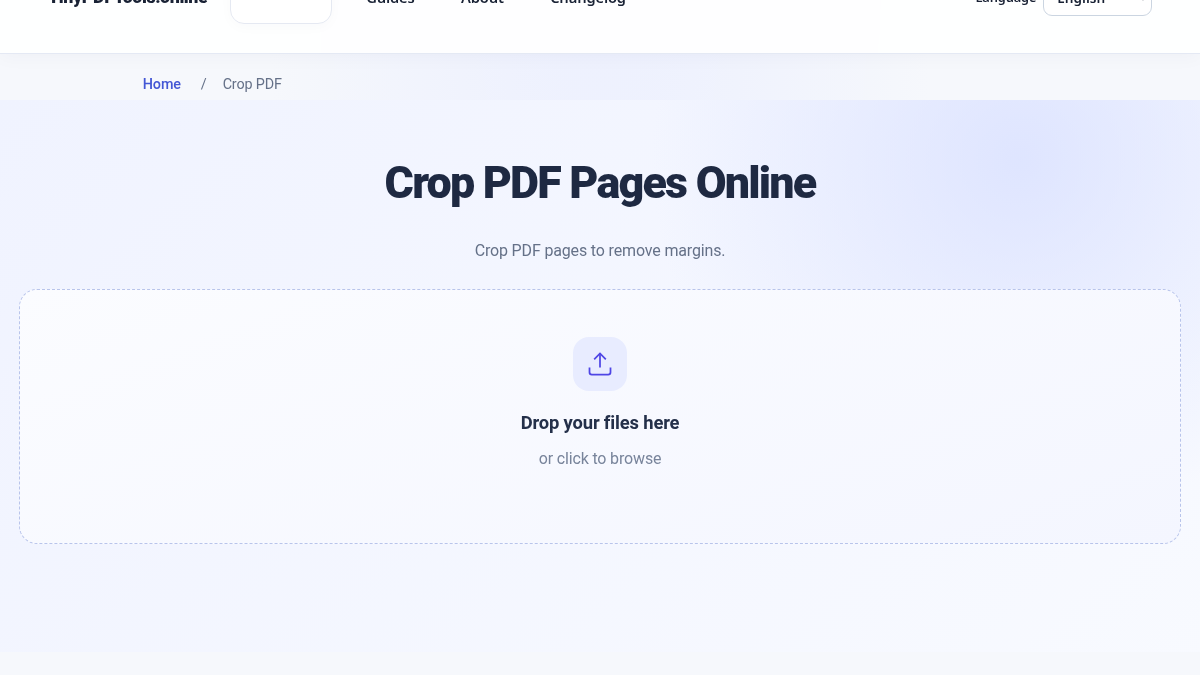
ツール画面のスクリーンショット
確認する項目
ページ順、内容、寸法、この作業で重要な細部を確認します。別のビューアーでも検証してください。
ページ順、内容、寸法、この作業で重要な細部を確認します。別のビューアーでも検証してください。
どの方法が適していますか?
| ブラウザーツール | For pdfページをトリミングして余白を整える方法, start with the method that matches your source file and required output; use this browser workflow for a focused, quick result. |
|---|---|
| デスクトップソフト | Better for batch jobs, advanced controls and detailed document inspection. |
| 元のアプリ | Best when you can still change the source document before creating the final PDF. |
ブラウザツールは単独作業に便利です。デスクトップPDF/Officeソフトは詳細設定ができ、元アプリはソース編集に適しています。
ブラウザツールは単独作業に便利です。デスクトップPDF/Officeソフトは詳細設定ができ、元アプリはソース編集に適しています。
制限事項
このブラウザツールはPDFページのトリミングに特化しています。総合編集ソフトの代わりではありません。元ファイルを保管し、結果を確認してください。
出力を元ファイルと比較し、提出先の具体的な要件に従ってください。
よくある質問
When should I use another method for pdfページをトリミングして余白を整える方法?
Use desktop software or the original authoring application when you need advanced controls, batch processing or exact source fidelity.
What are common reasons the workflow fails?
Unsupported source features, damaged files, missing fonts and browser memory limits can affect processing.
How do I know the result is acceptable?
Open the downloaded file in a separate reader and inspect the pages or content that matter most.
Which settings affect the result most?
The source document, page count, embedded images, fonts and selected output settings have the greatest effect.
What should I prepare before pdfページをトリミングして余白を整える方法?
Keep an untouched copy, confirm the source format and identify any required size, quality or layout constraints.
What is the main goal of PDFページをトリミングして余白を整える方法?
The goal is to complete the specific pdfページをトリミングして余白を整える方法 task while preserving the information needed in the final file.
このガイドでは、紙のフォームやスキャン書類に関するPDFページのトリミングの手順と確認点、別の方法が適するケースを説明します。
ツールを開く: PDFをトリミング →